Capture any part of your screen for posterity
Screen Block Grabber is desktop tool that lets you create screenshots of anything conceivable on your PC.
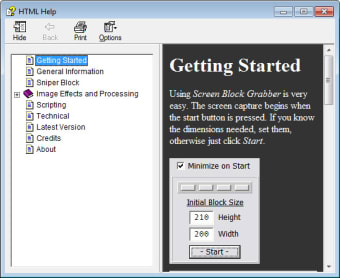
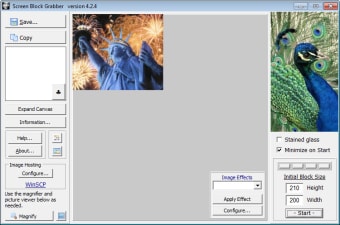
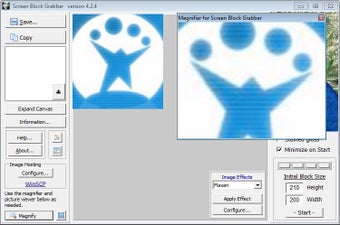
If you've ever wanted to memorialize something you seen on the web, what better way to do so than to capture a screenshot of it and save it for future viewing? That's exactly what you can do with Screen Block Grabber. Much like Mr.Shot and other screenshot creators, Screen Block Grabber lets you map out a location on your PC's screen and capture an image of it that can be saved. You can take a picture of the screen in its entirety or define a certain width and height beforehand.
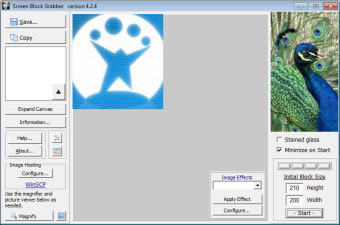
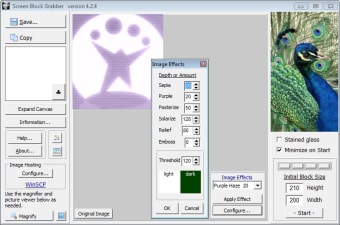
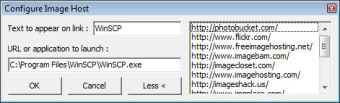
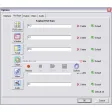
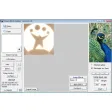
What sets Screen Block Grabber a bit apart from the crowd is its built-in effects, as well as a few other goodies. Not only can you change the color of the screenshot, you can also configure the effects settings by depth and threshold. In addition, there's also an image magnifier included in Screen Block Grabber to help you see even the smallest details of the screenshot you've just created. If you want to host your image online, you can also set it up through Screen Block Grabber's interface pretty quickly.
While Screen Block Grabber does have a lot of features that most screenshot capture programs don't, they're still very basic at times. The effects filter, for example, doesn't let you define a specific area on the screenshot on which to apply the effect. It's an all-or-nothing type deal, which not all users will appreciate. Screen Block Grabber's interface is also a little clunky-looking, although for people concerned primarily with usability, this shouldn't be an issue at all.
For a screenshot creator with more than just image capturing capabilities, give Screen Block Grabber a try.